Event Center basics
Feature guide · Updated 31 October 2026
The Event Center exists because Homeland events always want to borrow your fields, your time and your patience all at once.

Why the Event Center matters
Without it, event farming gets mixed into normal Homeland planning and becomes hard to read. With it, you can reserve Farmlands for event crops, see the event currency rules, and keep the event demand visible instead of pretending your regular plan still owns every field.
What it helps with
- Reserved Farmland boxes for each event crop.
- Showing available fields instead of only total fields.
- Keeping seed costs and event currency visible.
- Separating event-only recipes from permanent production.
A practical approach
If an event is live, decide first how many fields you want to reserve, then decide whether the event goal is full completion, shop items, mutations, or just enough progress to grab the rewards you care about. That choice changes how aggressively you should shift your Homeland around the event.
Reserve fields before comparing production
The most important event setting is how many Farmlands you want to reserve. If you own ten fields and reserve four for seasonal crops, the permanent production planner should see six available fields, not ten. Otherwise it will promise normal ingredients from land that you already committed to an event. This sounds obvious, but it is exactly the kind of overlap that makes a production plan look fantastic and then fail in game.
Set the number for each event crop separately. Magic Pumpkin and Memory Lanternfruit are not interchangeable if you need both for recipes or mutation progress. Once the fields are reserved, calculate the normal plan again. The change in daily income is the opportunity cost of your event setup, and it is useful information even when you decide the event rewards are worth it.
Beans, harvested crops and Whimsy are different totals
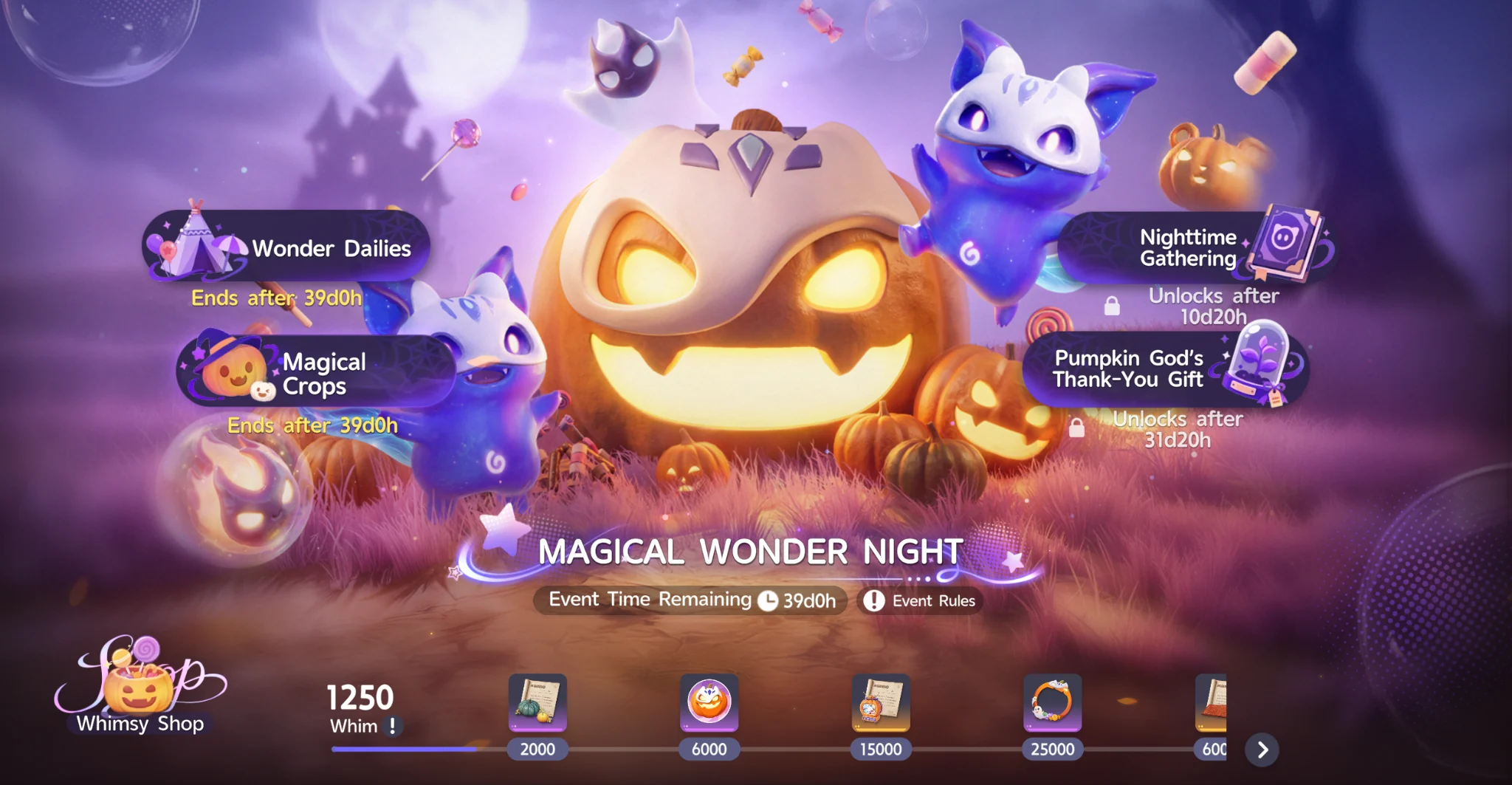
Magical Wonder Night uses Weird Jelly Beans for seeds and other event purchases. A seed costs four beans and produces eight crops when harvested. That is a currency-to-crop conversion, not a direct Whimsy Point payout. Whimsy comes from collecting season-limited items and from relevant event actions, so a plan to earn beans is not necessarily the same as a plan to complete the reward track.
For an example, buying ten seeds uses forty beans. Harvesting them produces eighty raw crops if everything grows and is collected. Your net Whimsy depends on which items you collect and craft, not merely the eighty-item count. Use the Magical Wonder Night guide for the documented mutation thresholds, Whimsy comparisons and the event phase schedule.
Do not reuse old event shortcuts blindly
Harvest Moon and Magical Wonder Night are different events with different currencies and rules. The old repeatable furniture buying and selling strategy does not work the same way in the current event because decoration purchases are limited. If you copy an old video or spreadsheet without checking the event version, the numbers will lead you in the wrong direction. The Harvest Moon archive is useful for understanding the previous event, not as a live recipe selector.
Decide what completion means to you
Full event completion can require much more effort than obtaining the rewards you personally care about. Before changing your entire Homeland, decide whether your target is the full Whimsy track, a specific cosmetic, mutation collection or simply a few useful shop purchases. If you only need a certain reward, reserve the minimum fields that give you a realistic route to it. If you want everything, keep the daily quests and orders running alongside your event plots.
The Event Center keeps these settings separate because they belong to a limited-time plan. After the event ends, disabling event-only crops in the normal planner prevents stale recipes from distorting future production. The archived articles stay available for comparison, while the live planner follows the current event.
Want to plan the current event? Open Homeland and use Event Center inside the planner.
Open the planner